Built around what you read and keep.
Not around what can be measured about you. Everything in this section works in the current development build on Windows, Fusion OS and Android.
Cards, not bookmarks
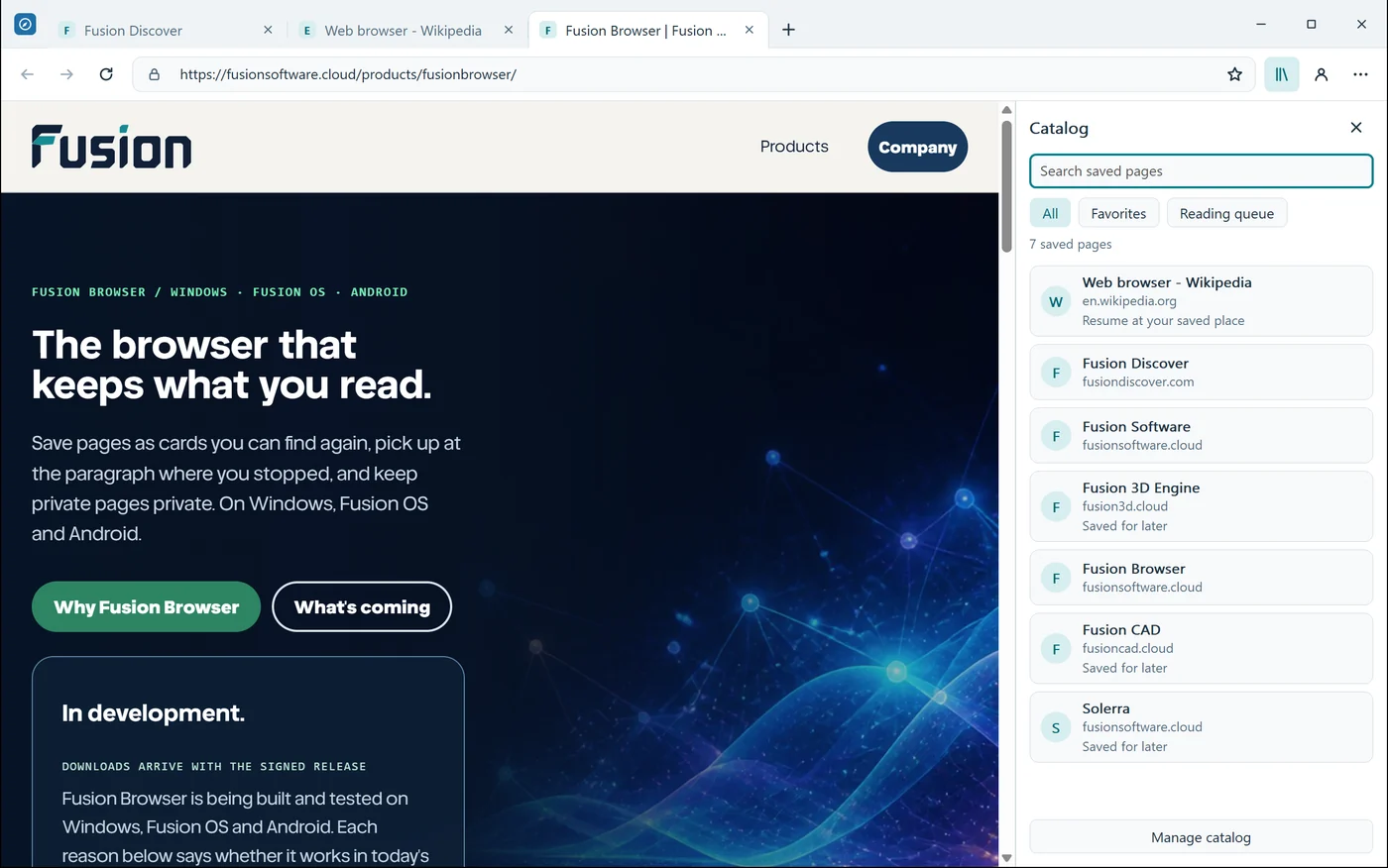
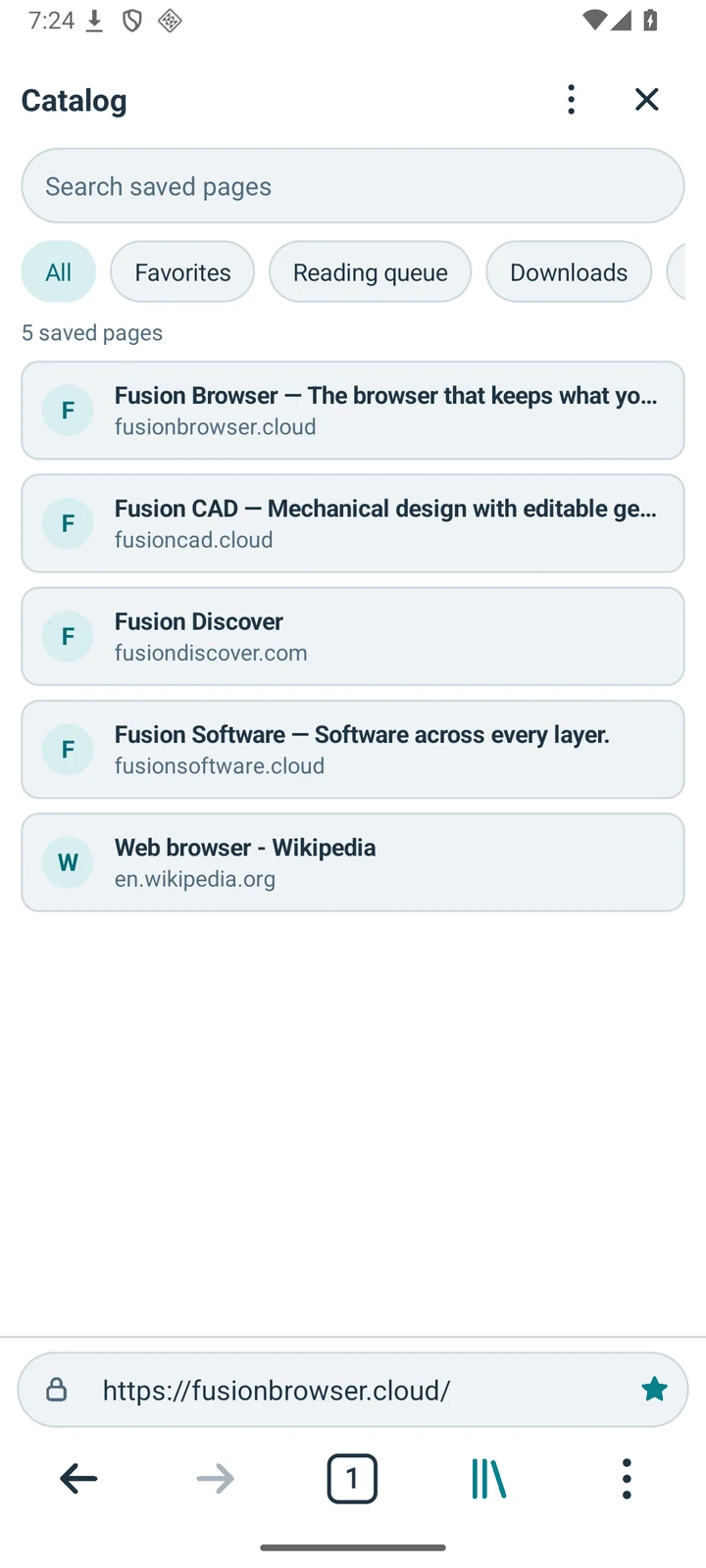
IN THE CURRENT BUILDEvery saved page is a card with a Space, a category, tags and notes. One search covers all of them, with your highlights and your downloads, and a search you use often can be saved.
Back to the paragraph
IN THE CURRENT BUILDReading positions and highlights take you back to the exact passage, not just the page. A reading queue and Continue reading keep what you meant to finish.
Private stays private
IN THE CURRENT BUILDPrivate cards stay out of the catalog, search and the start page until you show them. The catalog is encrypted on your device.
Your typing stays with you
IN THE CURRENT BUILDThe address bar sends nothing to a search engine as you type. It suggests your own cards and saved searches, and Fusion Discover gets your words only when you ask it to search.
History only if you want it
IN THE CURRENT BUILDBrowsing history is off until you turn it on. It stays on the device, pages of private cards are never kept in it, and turning it off clears it.
Websites work as they should
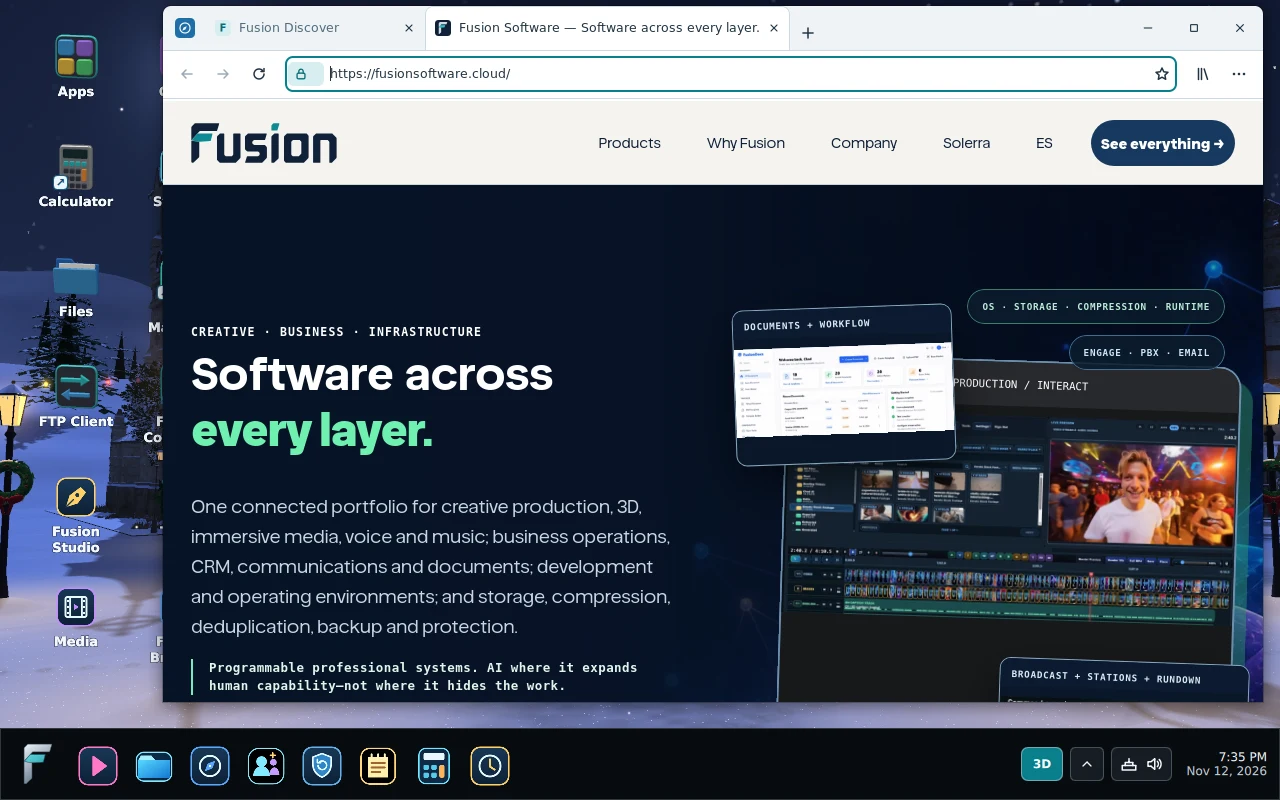
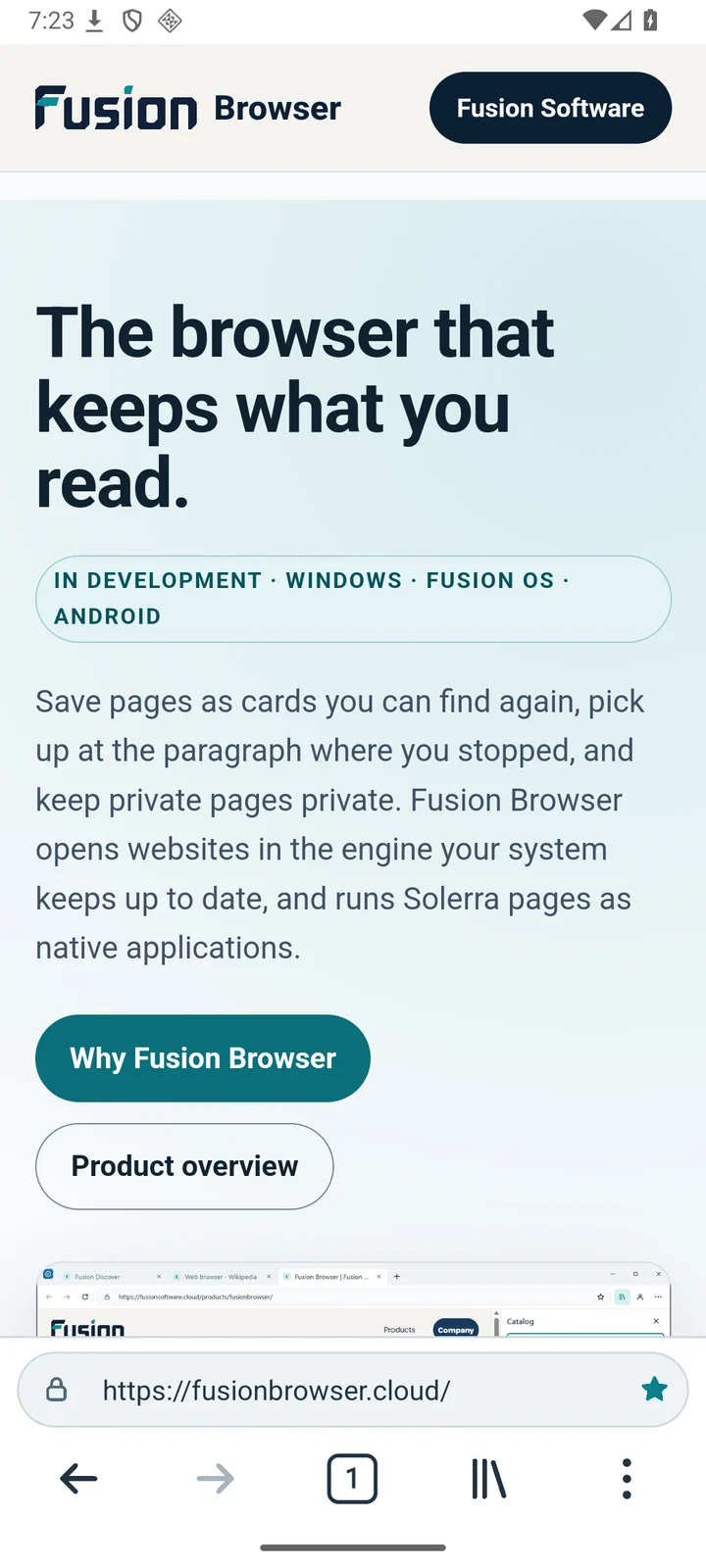
IN THE CURRENT BUILDWebsites open in the engine your system keeps up to date: Microsoft Edge WebView2 on Windows, WebKit on Fusion OS and Android System WebView on Android.
Every device, one catalog.
Fusion Cloud sync keeps your cards, Spaces, reading positions, highlights, saved searches and open tabs in step between your Fusion Browsers. It is free with a Fusion account.
Where it stands
IN TESTING ON WINDOWS AND ANDROIDSync is built into the Windows and Android development builds and is being tested against Fusion Cloud. It is coming to Fusion OS, where the browser will use the account the system is signed in to.
Private cards are encrypted first
IN TESTING ON WINDOWS AND ANDROIDA private card is encrypted on your device before it is sent, with a key only your devices hold.
You choose what syncs
IN TESTING ON WINDOWS AND ANDROIDSettings lists what syncs, with a switch for each kind, and the devices on your account, which you can remove.